
Your own radio station.
On air 24/7.
A radio channel on your own domain, with live shows, scheduled playlists and a front page of its own — streamed worldwide to unlimited listeners.

01The platform
This is the TKDS Radio Platform.
Radio Go gives you one radio channel with its own front page, two presenter logins, scheduled playlists and live recording — on a worldwide CDN with unlimited listeners, and the Roku app free with it. Stations, podcasts, events and news are all managed from the same dashboard, or pulled through from MediaCore.
See it running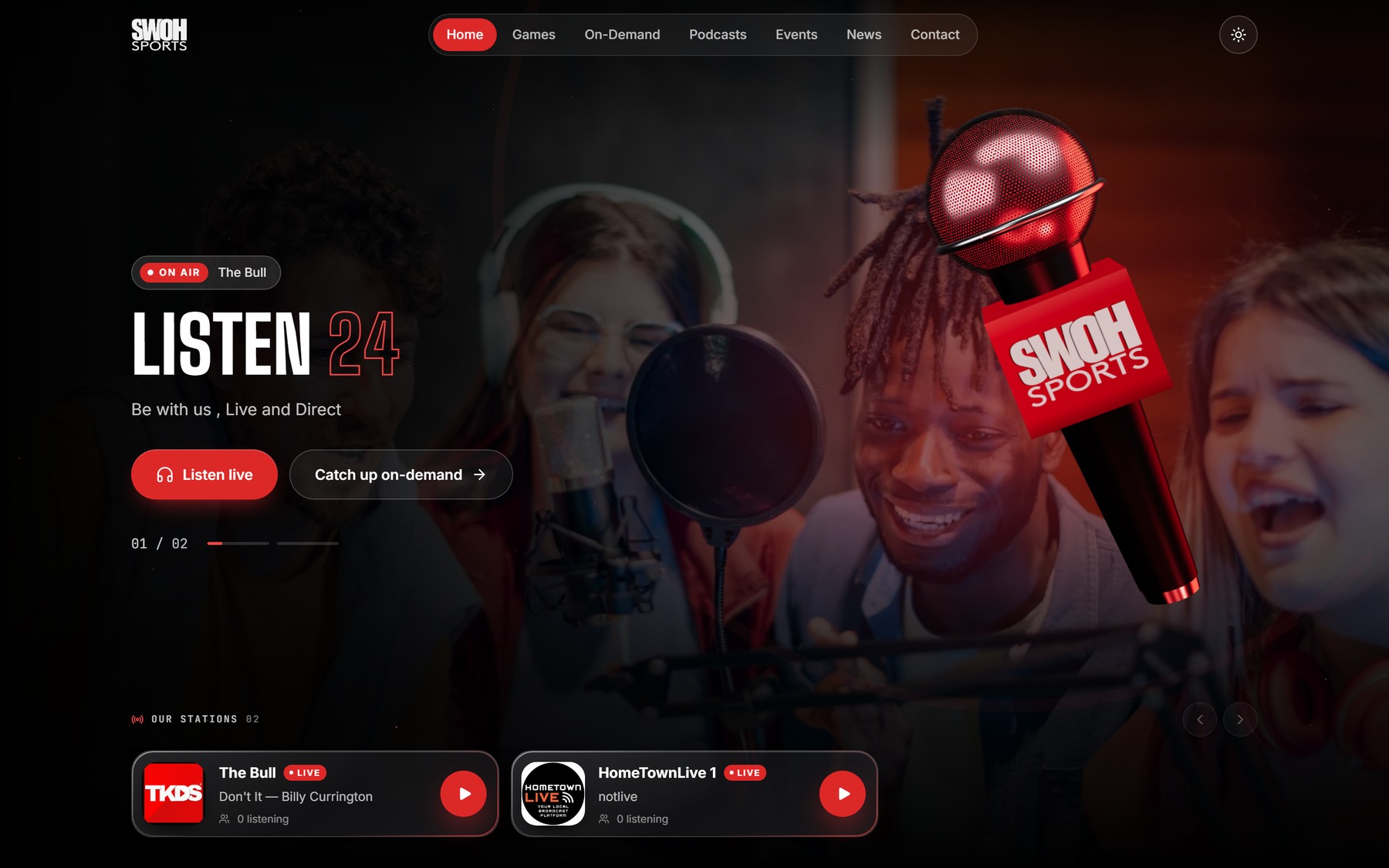 Live now
Stations
Your radio channel and its schedule, run live from the dashboard.
Podcasts
Publish episodes and series alongside the live stream, not somewhere else.
Events
What is on, listed and kept current from the same place.
News
Articles and announcements on the station’s own front page.
One dashboard
All of it managed in one place — or pulled through from MediaCore.
On-air controls
2 live RJ/DJ accounts, playlist scheduling and live recording.
02Included with the offer
The Roku app is on us.
Radio Go ships with a FREE Roku radio app, and MediaCore UME with a FREE Roku app — so the station reaches the living-room TV, not just the browser and the phone.
03Front Hub
The Front Hub radio theme.
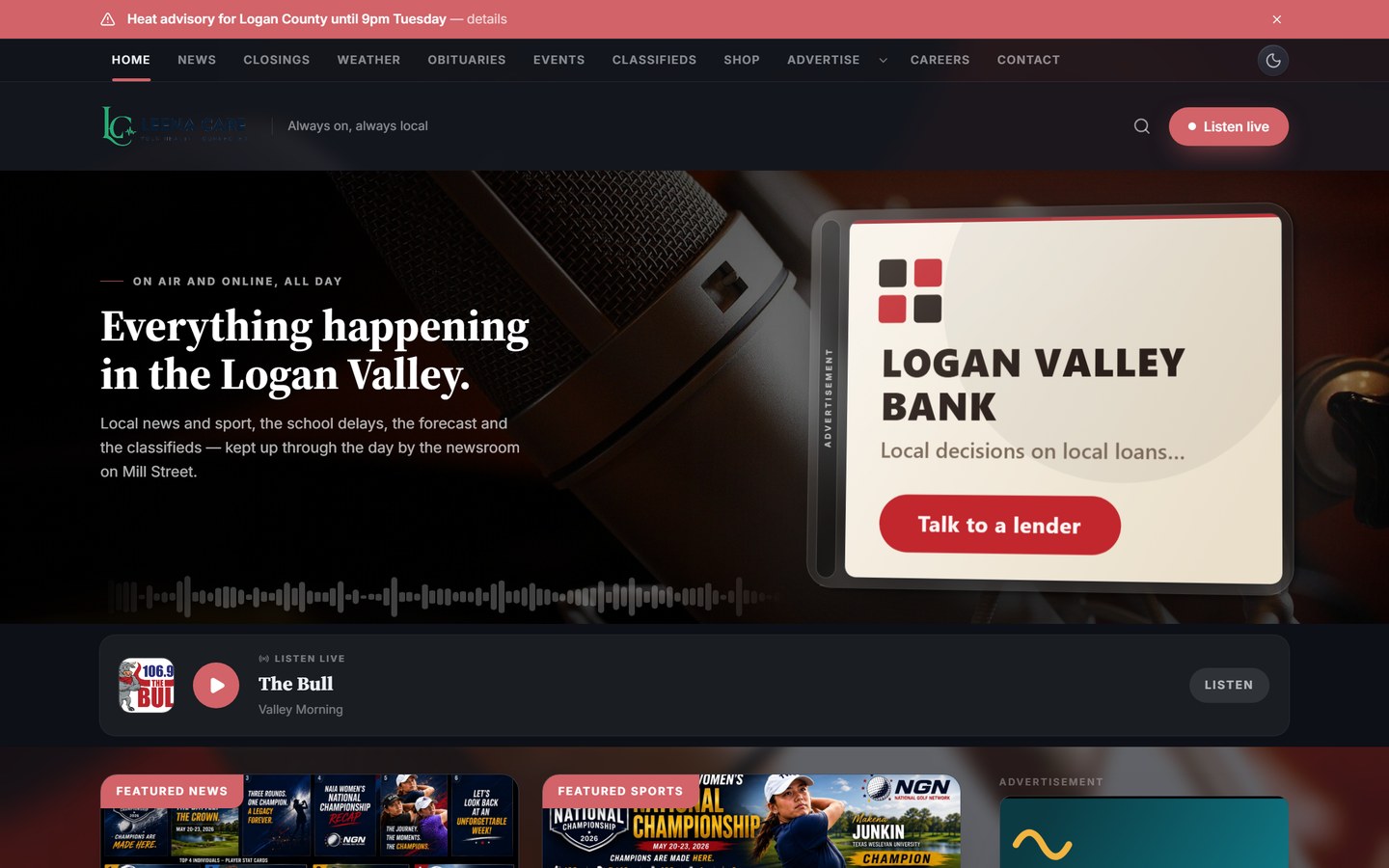
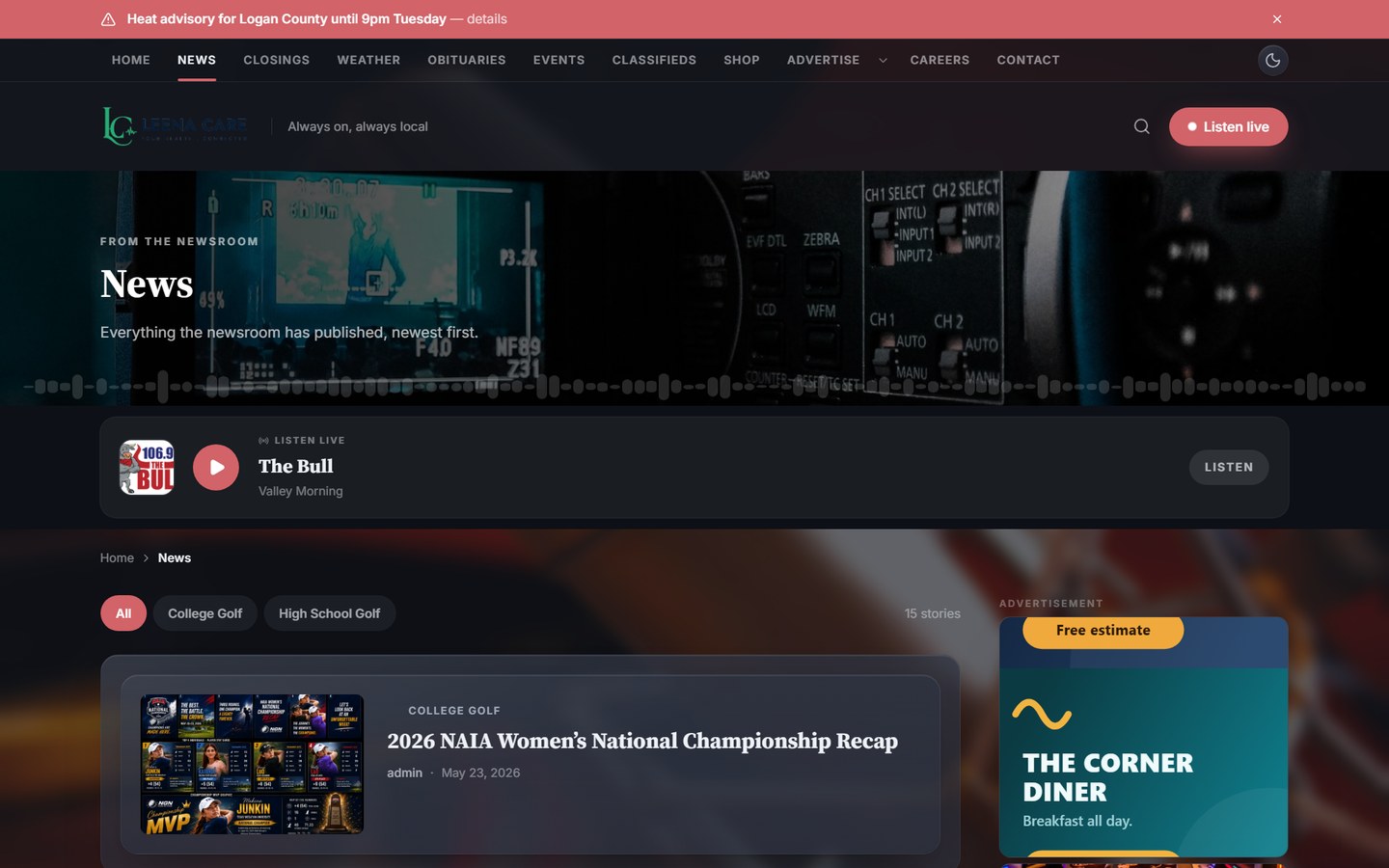
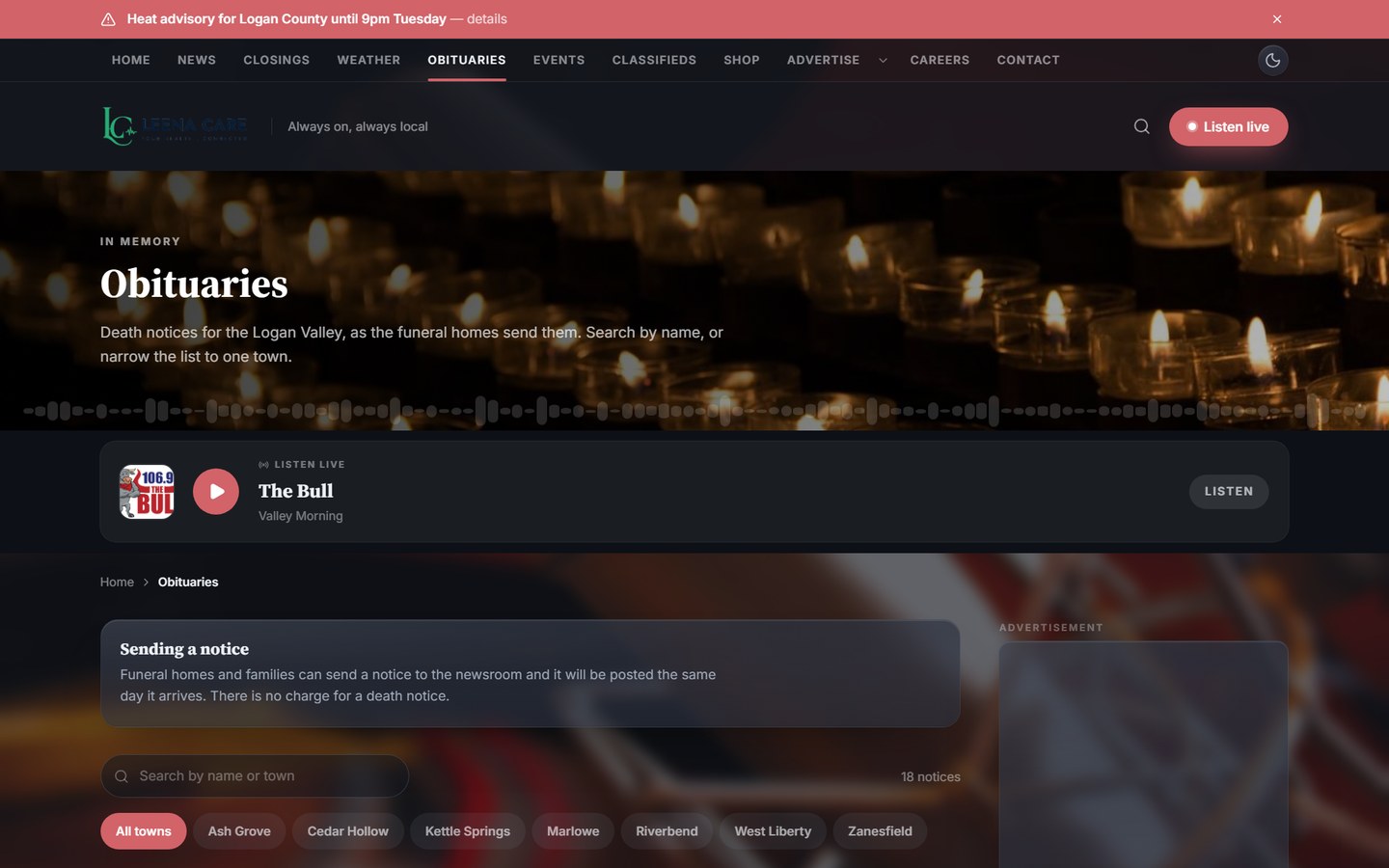
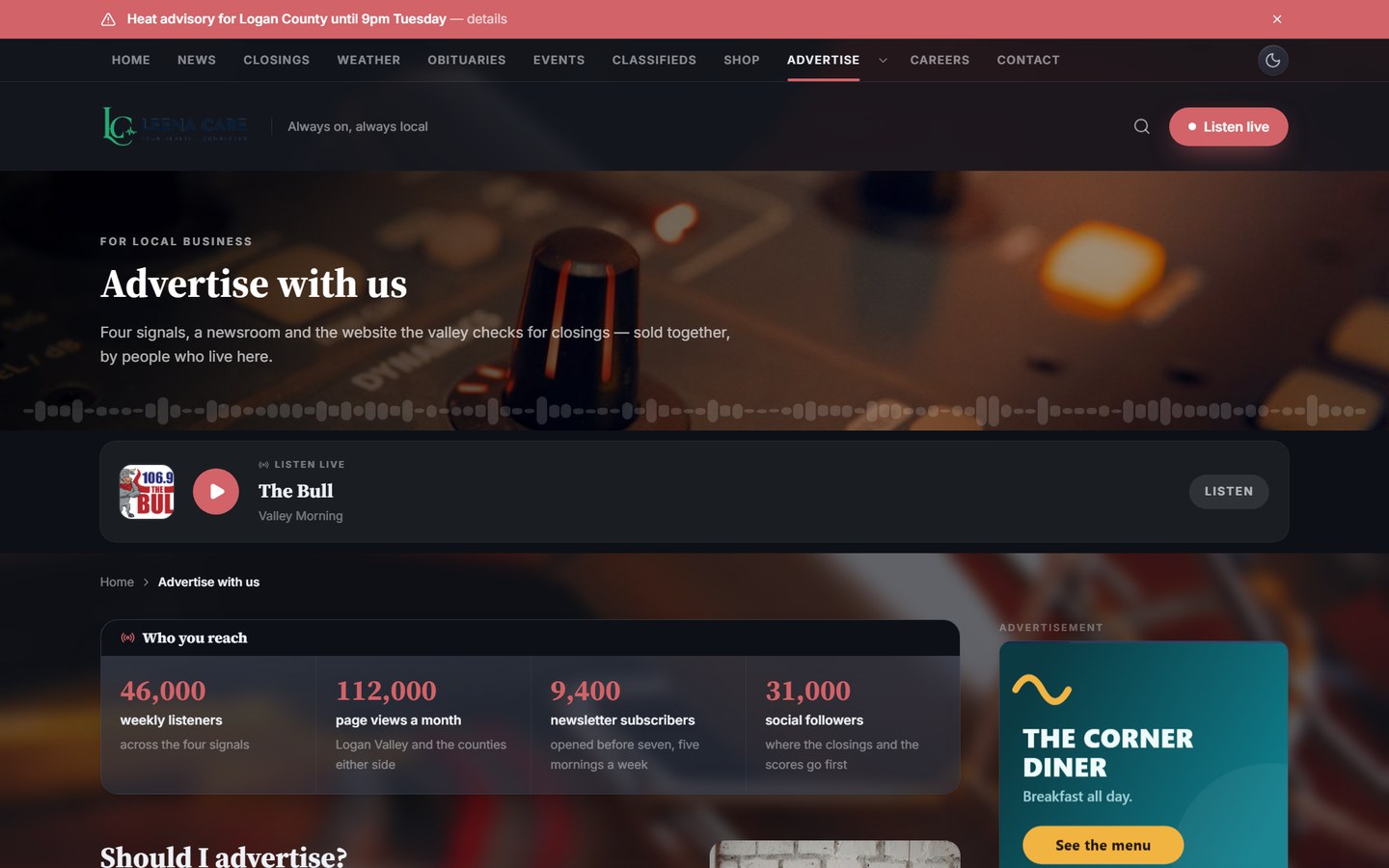
Front Hub turns the station into a local front page — news, events and the live player in one place. Sponsor banners are filled either from your own admin dashboard or from the TKDS Media ad server.
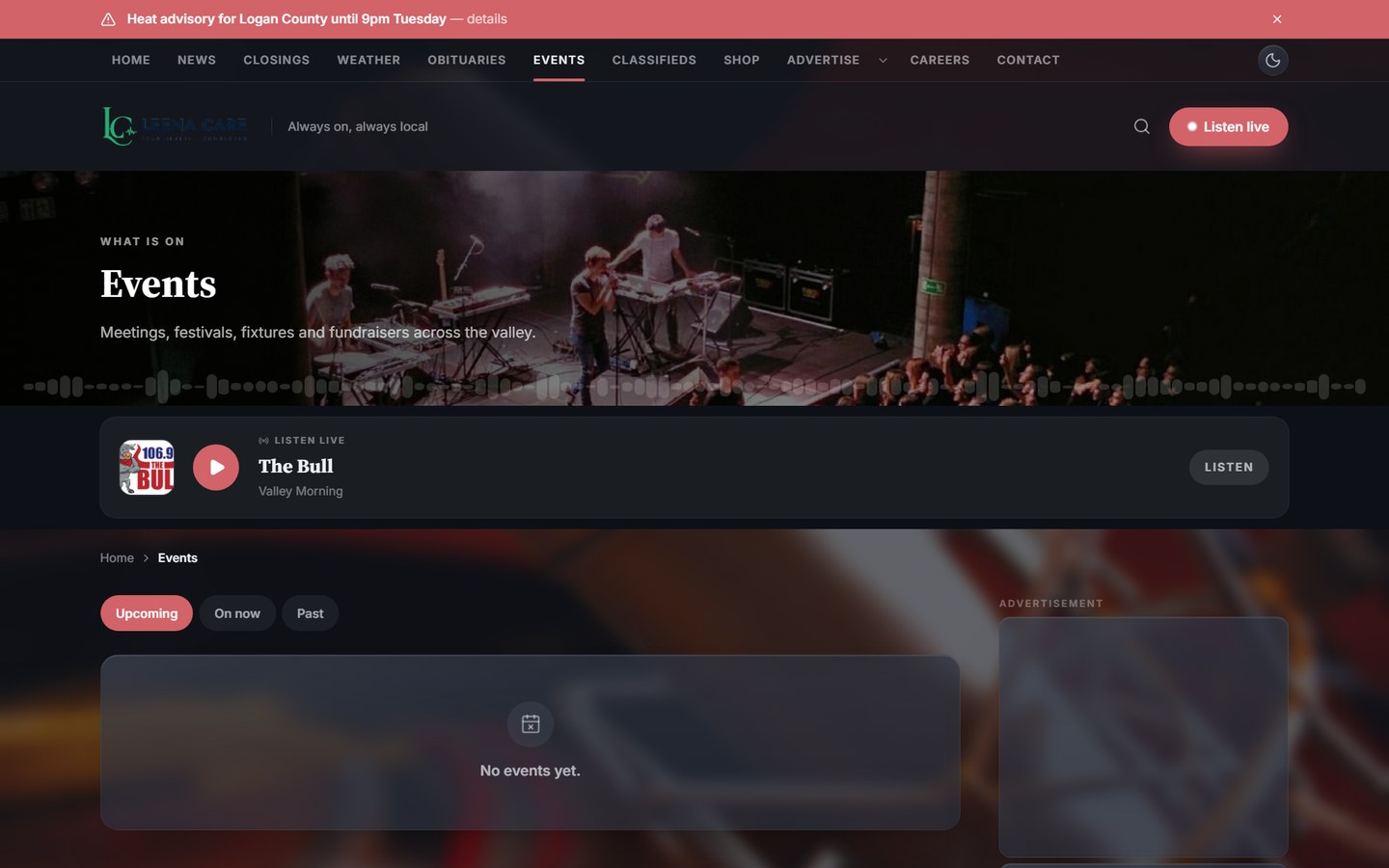
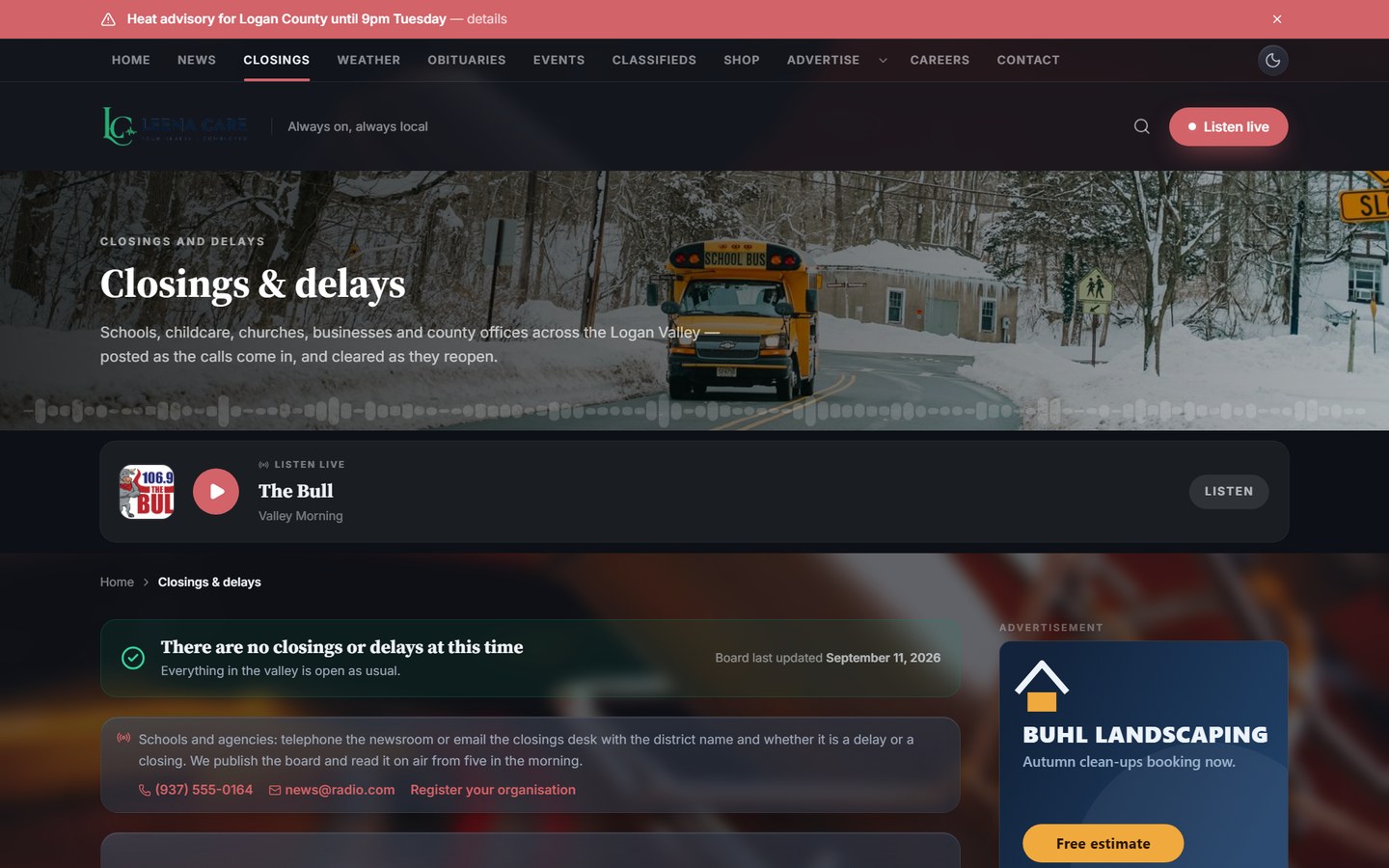
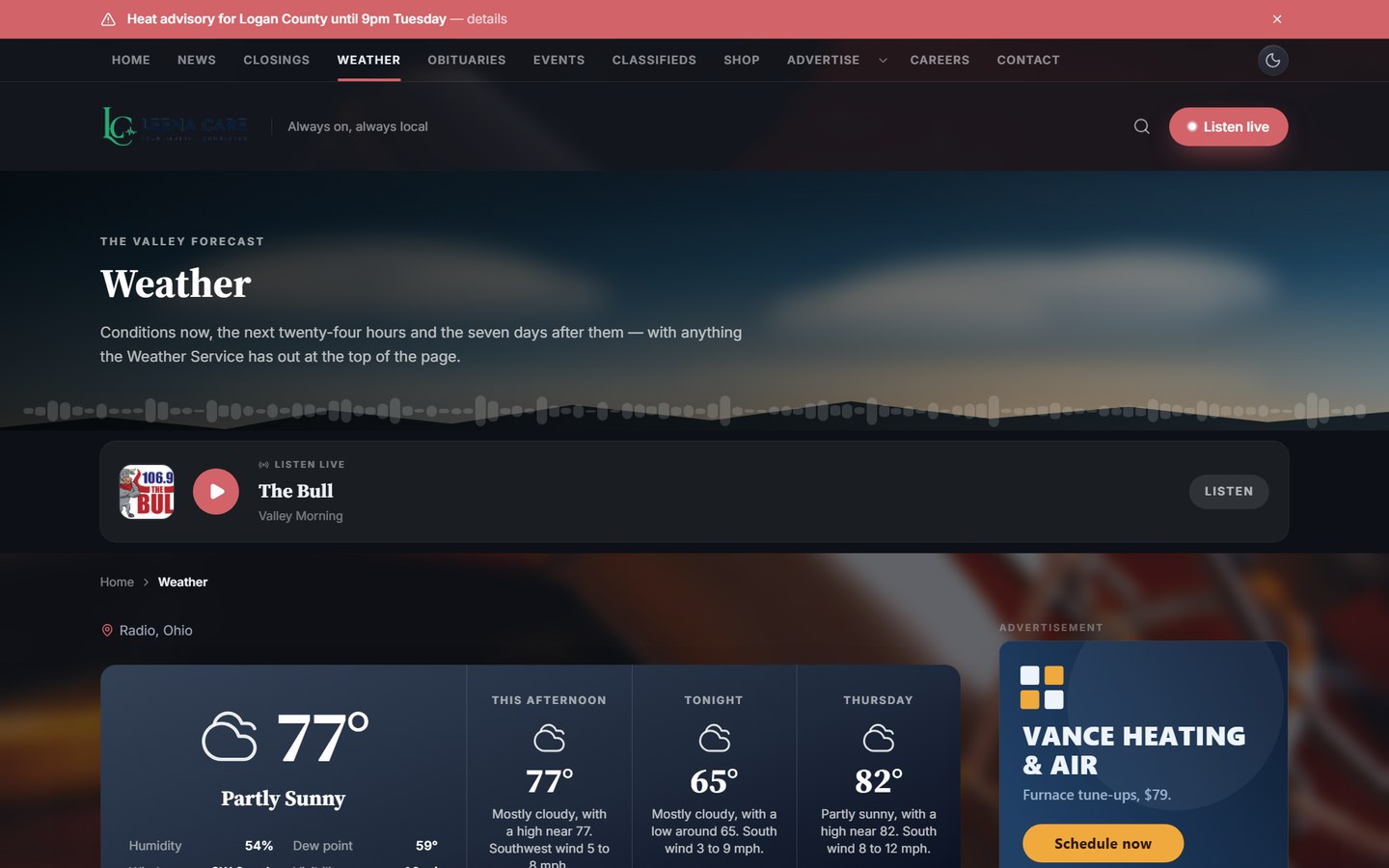
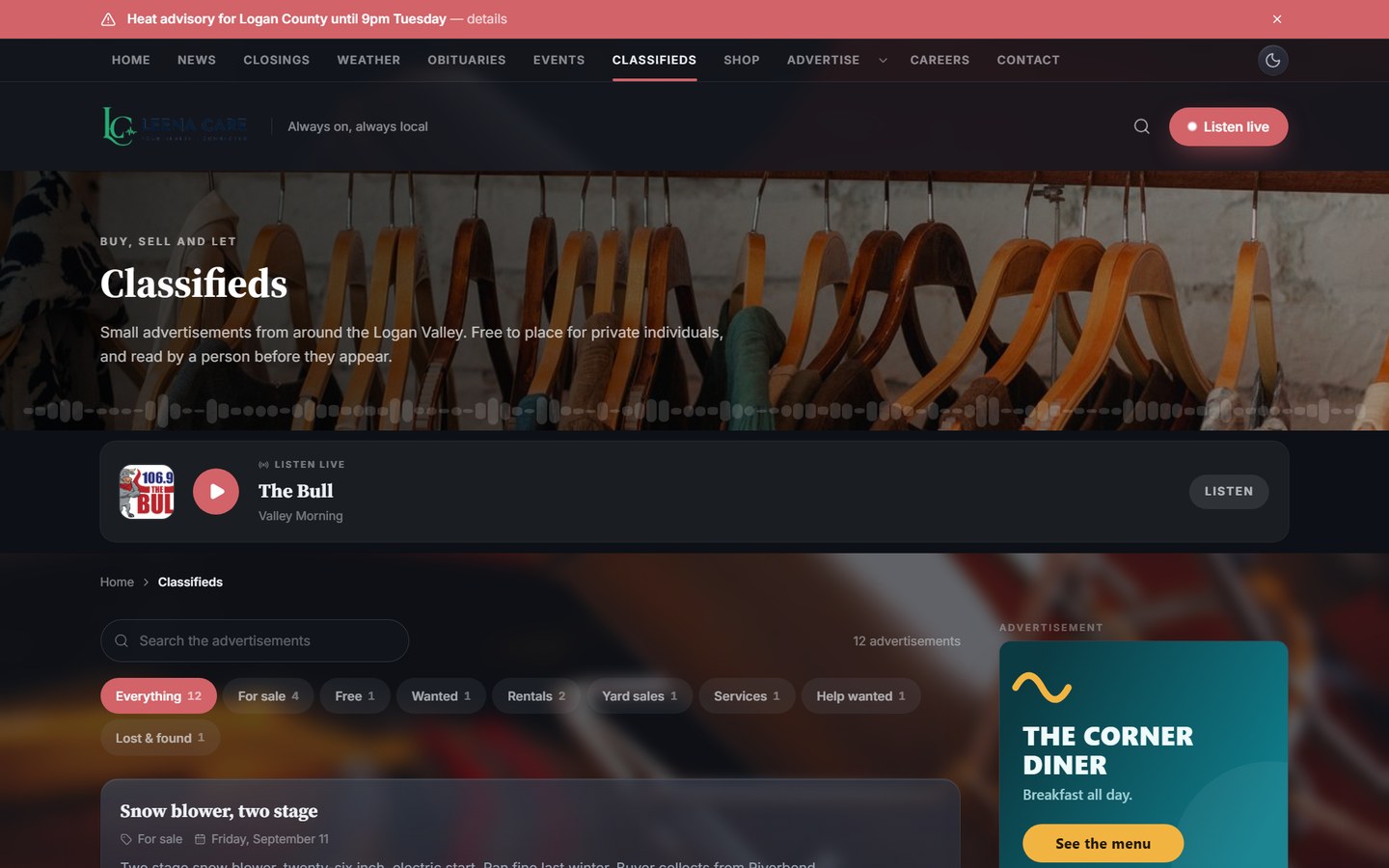
 Front page
What Front Hub carries
News & blogs
Articles by category, featured slots and a local news feed.
Events
What is on locally, connected to the same dashboard.
Radio players
The live player sits in the page, not in a separate tab.
Closings
School and business closings, published the moment they land.
Weather
A weather panel and advisory bar across the top of the page.
Ad banners
Sponsor slots in the hero and the rail — filled from your dashboard or the TKDS Media ad server.
Classifieds
A classifieds section your listeners post into.
Legal notices & obituaries
The pages a local station is expected to carry.
04Plans
Choose Your TKDS Radio Plan
Every plan is billed monthly or yearly — and a FREE Roku radio app is included.
Radio Go
Your own online radio station, on air 24/7.
- FREE Roku radio app
- 1 radio channel
- Live recording
- Playlist scheduling
- 2 live RJ/DJ accounts
- Radio front page
- Worldwide CDN
- 100 GB storage
- Unlimited listeners and bandwidth
- Basic support
Front Hub
The Front Hub radio theme for the MediaCore platform.
- Front Hub radio theme
- Connected blogs
- Connected events
- Radio players
MediaCore LAUNCH
Live video and on-demand platform with 1 channel.
- 1x live TV channel
- 1x RTMP link
- Branded OTT platform
- Live recording
- 2x restream to social
- 250 GB storage
- Worldwide CDN
- VOD support
- PPV monetization
- Channel console
- AI customer support (add-on)
MediaCore UME
The full bundle in one place — a unified media ecosystem.
- FREE Roku app
- Everything in the other plans
- Unified media ecosystem
- Audio and video together
Questions
Before you ask.
01 How long does it take to get my station on air?
Usually a few days. We set up the servers, the playout and your front page, then hand you the dashboard — you bring the shows and the schedule.
02 Is the Roku app really free?
Yes. The Roku app is normally a paid add-on; it is included with Radio Go and MediaCore UME on this offer, published under your own branding.
03 Is there a limit on listeners or bandwidth?
No. Every plan streams over a worldwide CDN with unlimited listeners and no bandwidth cap, so a show that suddenly takes off does not produce a surprise bill.
04 Can I run live shows and scheduled music on the same station?
Yes. Your RJs get their own logins for live slots, and the scheduler keeps the station on air around the clock when nobody is in the studio. Every live show is recorded automatically.
05 What is the difference between Radio Go and Front Hub?
Radio Go is a complete station on its own. Front Hub is the radio theme for the MediaCore platform — it puts the station inside your wider site, with connected blogs, events and players.
06 Do I need any technical experience?
None. There is nothing to install and no server to maintain. If you can use a web dashboard, you can run the station — and we are on support the whole way.
07 What is the setup fee for?
The one-time setup covers building and branding your station: the front page, the players, the apps where the plan includes them, and getting your first schedule running.
Put your station on air.
Tell us what you want to broadcast and we will take it from there — the channel, the front page, the apps and the setup.